
How it works
One place. Two ways in.
Businesses get short videos made from real local footage. Creators earn when businesses use the shots they film.
For businesses
Tell Mya. Approve it. Post it.
Concierge Media makes short videos for your business from real footage: yours, and the shots local creators film around you. Mya, your AI editor, writes them and cuts them. You stay in the director’s seat: just tell Mya what you want.
Set up in about five minutes
Sign up, pick "I'm a business" and tell Mya who you are. Every step can be skipped and changed later.
- Choose your kind of business: vacation rentals, real estate, marketing agency, a restaurant, bar, tour or shop, or another local business. Why it matters: Mya plans every video for your kind of business, and learns your style as you go.
- Your look. Enter your website and Mya pulls your logo, colours and fonts from it. Change anything she got wrong.
- Your homes or your place. Rentals and real estate add each home or listing by name and town; a local business describes its place.
- Your words. The things your videos should always say, and the things they should never say.
- Your voice. Pick the voice Mya uses for every voiceover.
Ask for a video, in your own words
Your Command Center opens on one question: "What should we make today?" Type it, or tap the mic and say it.
- Type @ to bring in one of your homes, so Mya uses its shots.
- Choose portrait (9:16) for Reels, TikTok and Shorts, or landscape (16:9). Set the length, the caption style, and voiceover.
- Mya’s Picks: three fresh ideas every day, made from your business, your footage and the season, and more when you ask. Tap one and Mya plans it; then change anything you like before she builds.
- Make one like this: give Mya a reel you love and she copies its style closely (the cuts, the pace, the framing, the caption style) using your own footage, never its content.
- Or start from a format: Talking head, A reel I like, Stay highlights from your guest reviews, or a Partner spotlight on a local business you work with.
See the plan before anything is made
In under a minute Mya comes back with a plan: the hook, the script, and every shot she picked. Planning is free. Nothing is spent until you say build.
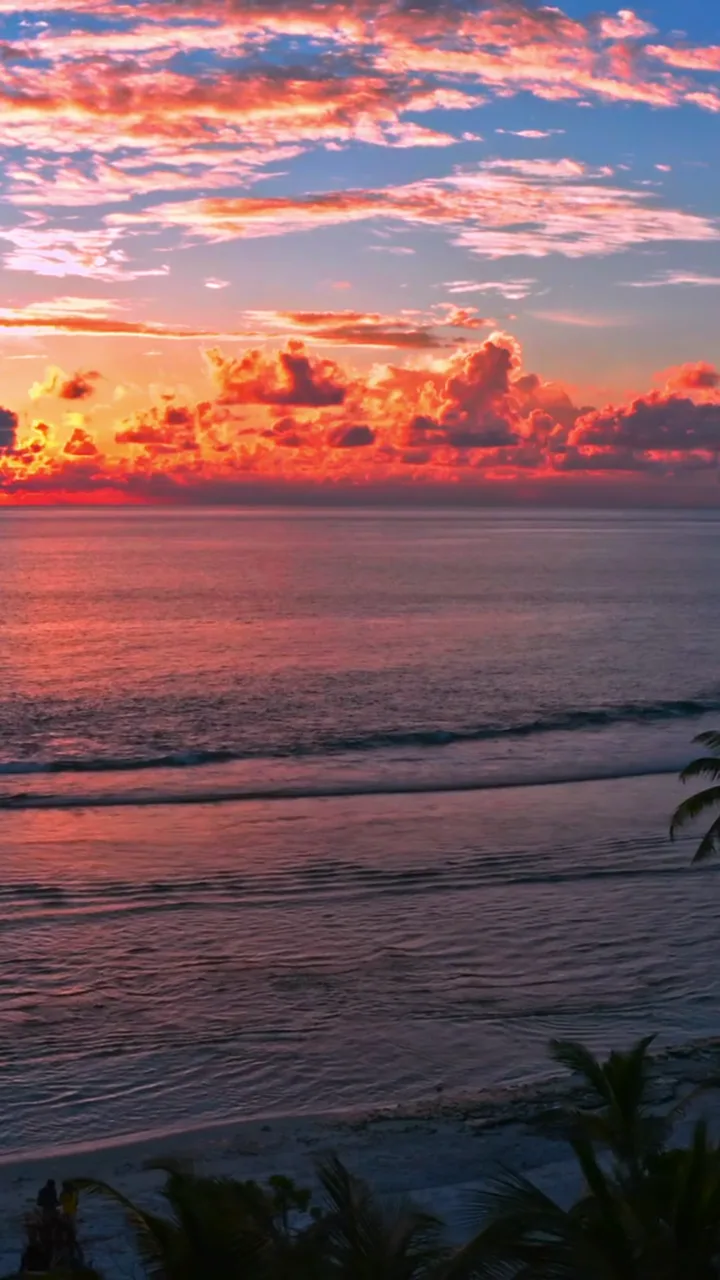
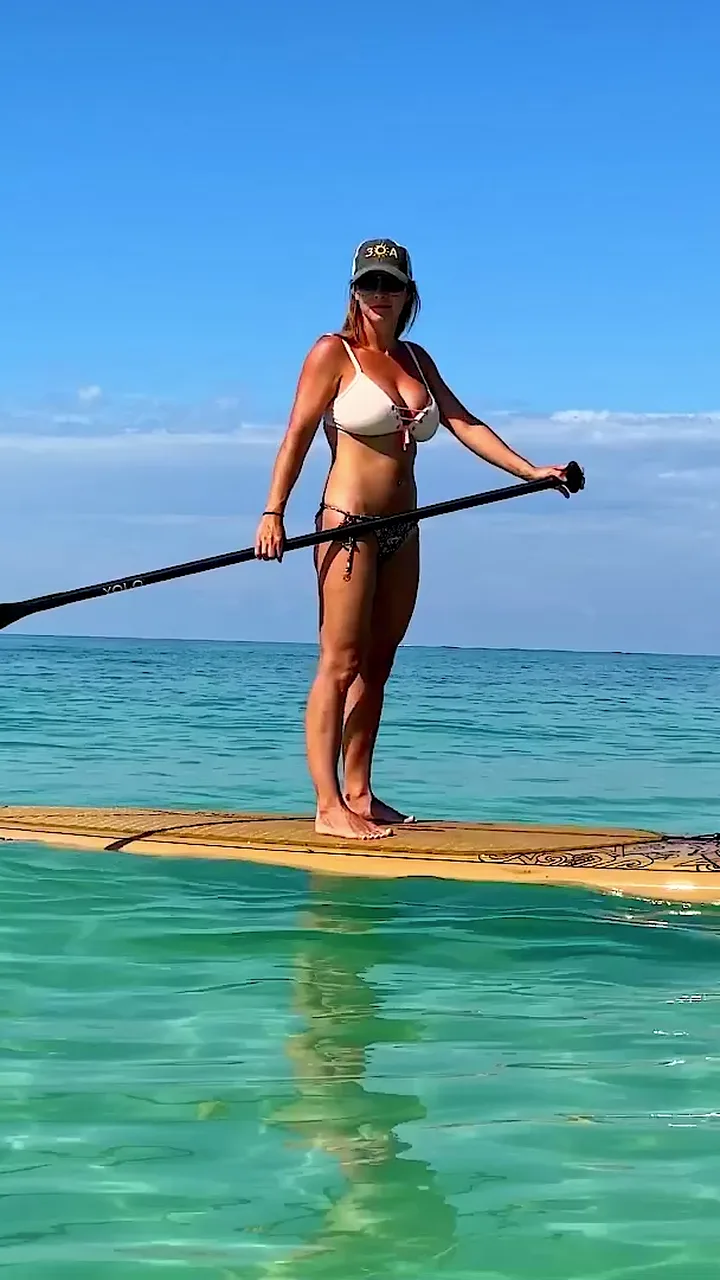
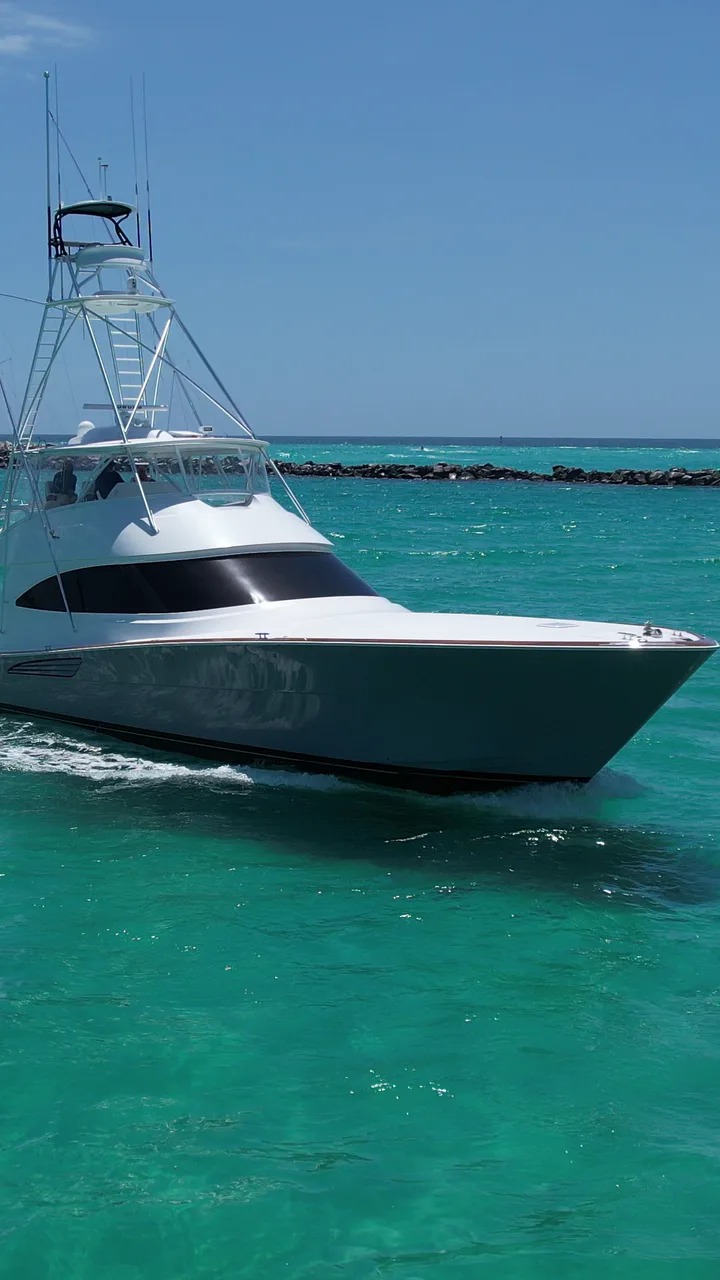
- Each shot shows where it’s from: yours, a free local shot, or a local creator’s.
- Replace any shot. Search your own shots or the local Marketplace; Mya swaps it in and rewrites only the words about that shot. Undo is one tap.
- Change the transition after any shot.
- Ask for changes in plain words: “make it shorter”, “bigger captions”, “swap the second shot”. Mya keeps everything you didn’t mention, and changes are free.
- When a change sounds like a rule (“never show the pool at night”), Mya asks if she should remember it for every video.
Here’s my plan. Nothing is spent until you say build.
Your Place on 30A
13.5 s · Portrait 9:16- → cut on the beat
- → whip pan
- → warm dissolve
- → cut on the beat
- → fade
- Your logo2 s
- Hook
- “Staying on 30A?” · on screen: Your Place on 30A
- Script
- Staying on 30A? Wake up a short walk from the sand. Ride the bike path to the beach, cool off in your own pool, end the day with a margarita, and catch the sunset from the shore. Book your stay.
- Sound
- Your brand voice reads the script
- Captions
- Keyword colour · plain phrase captions with the key words in your caption colour
- Checks
- ✓ Hook by 1.5 s✓ Shot lengths✓ Captions in sync✓ Sound levels✓ End card
An example plan. Hover a shot to play it; tap Replace this shot to see Mya swap it. Approve it, and Mya builds it
Tap Build it. A finished video usually takes a few minutes; you can leave the page and Mya emails you when it’s ready.
- Every video is checked before you see it: a hook in the first 1.5 seconds, shot lengths, captions, sound levels and the end card.
- If a build fails, nothing is charged.
- Earlier versions stay watchable, so you can compare.
- Liked how one came out? Make another like this keeps the same shape.
Post it to your accounts
Nothing posts on its own. When you’re happy, post it straight to your social accounts. There are no downloads: your videos leave only as posts.
- Post to Instagram, Facebook, TikTok, YouTube or LinkedIn, through your own Buffer account.
- Post now, pick a time (up to six months ahead), or add it to your queue.
- Mya writes the post caption and the hashtags. Edit them, or post them as they are.
- When AI was used anywhere in a video, the post is labelled as AI-made for you.
What Mya can make
Real footage first. AI only for the missing piece.
- Real footage
Your shots and local shots
Built from your own uploads and the local library of shots filmed by creators and businesses in your area.
- Talking head
You, on camera
Upload yourself talking (up to 90 seconds). Mya keeps every word, turns them into captions, and lays B-roll over the moments that call for it.
- Make one like this
A reel you like, with your footage
Upload a reel you love (up to 60 seconds). Mya copies its shape (cuts, pace, captions) and fills it with your footage, never its content. Then the reference is deleted.
- Your photo, animated
Listing photos that move
A slow camera move on your real photo. Over-edited listing photos are toned back first, so they look natural. You can add people to a photo, and only the people change.
- Timelapse
Time passing over a real view
From one real photo or frame, camera locked: clouds drifting, the tide, day to dusk, sunrise, dusk to stars, night to day.
- Stay highlights
What your guests loved
Paste your guest reviews and Mya turns what guests loved into moments for a video. The reviews themselves aren’t kept.
- Captions
Seven caption styles
Word pop, karaoke highlight, keyword colour, pill, classic lower, typewriter, or emoji accent.
- Sound
Voiceover in your chosen voice
A natural voiceover, read in the voice you picked at setup.
- Shape and length
9:16 or 16:9, 10 to 60 seconds
Portrait for Reels, TikTok and Shorts; landscape for YouTube and your site. Lengths from 10 to 60 seconds.
- Finish
Your brand on every one
Sixteen transitions to choose from, your logo in the corner, and an end card with your name.
When a video needs a shot nobody has filmed, Mya can make that one picture with AI. You approve it before it’s made and again when it’s done. It never shows your home or a real business.
Your footage
Upload once. Mya remembers.
Your shots stay yours
- Upload videos (MP4, MOV or M4V, up to two minutes) and photos (JPEG, PNG, WebP or HEIC), several at a time, filed under a home or your place.
- Longer videos are cut into short shots for you, tagged, and checked for quality.
- Keep a talking-head video whole, to make a video from later.
- Your uploads are private to your business.
Brand memory
- Your look, your voice, your homes and your place, in one place.
- Every “always” and “never”, with where it came from: you, your website, or something Mya learned from your changes.
- Change or forget any line, any time.
Local shots
- Search the Marketplace for shots of your town, by what’s in them or where.
- Free local shots, and creators’ shots you buy the right to use forever.
- Follow the creators you like and heart the shots you love.
- Need something nobody has filmed? Request it, or ask Concierge to match you with a creator.
Make them feel it.
Sign upYour first video is free.
Your first video is up to 20 seconds, made from free local shots, with a small “Made with Concierge Media” mark.